
How to Obtain a Copy of a Court Hearing Recording: Step-by-Step Guide


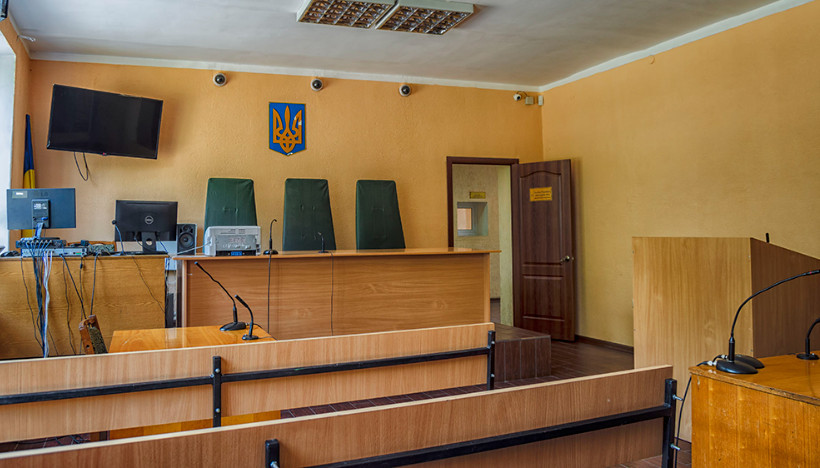










The Trostyanets District Court of Sumy Region reminded the procedure for obtaining access to the recording of a court hearing.
Clause 56 of Section III of the Regulation on the Procedure for the Functioning of Certain Subsystems of the Unified Judicial Information and Telecommunication System provides the following:
Upon the request of a case participant and after payment of the corresponding court fee, such participant may receive a copy of the technical recording of the court hearing by their choice through:
1) obtaining access to the technical recording of the court hearing via the videoconference subsystem in the User's Electronic Cabinet;
2) receiving the recording on an optical disc as a file.
If the court fee is paid directly in the Electronic Cabinet, the case participant is automatically granted access to download the technical recording of the court hearing in the Electronic Cabinet. At the same time, a corresponding notification about the issuance of the copy of the technical recording and the receipt of the court fee payment are automatically sent to the Automated Court Case Management System.
To obtain access to the technical recording(s) of court hearings in the User's Electronic Court Cabinet, the following steps must be taken:
- Go to the "My Cases" section.
- Open the relevant case proceeding in which the court process was recorded using the videoconference subsystem.
- Select the document "Court Hearing Protocol of the Videoconference Subsystem."
- Click the PAY button.
- After successful online payment, access to the recordings will be opened in the User's Electronic Court Cabinet under the "Attachments" section, directly below the videoconference protocol. You will be able to view or download the files for local viewing.
"If you are exempt from paying the court fee on grounds defined by current legislation, you need to apply directly to the court with a petition to obtain access to the technical recording," the court added.
Subscribe to our Telegram channel t.me/sudua and to Google News SUD.UA, as well as to our VIBER and WhatsApp, and follow us on Facebook and Instagram to stay informed about the most important events.