How to Terminate Employment Relations with an Employer in the Temporarily Occupied Territory: Action Algorithm


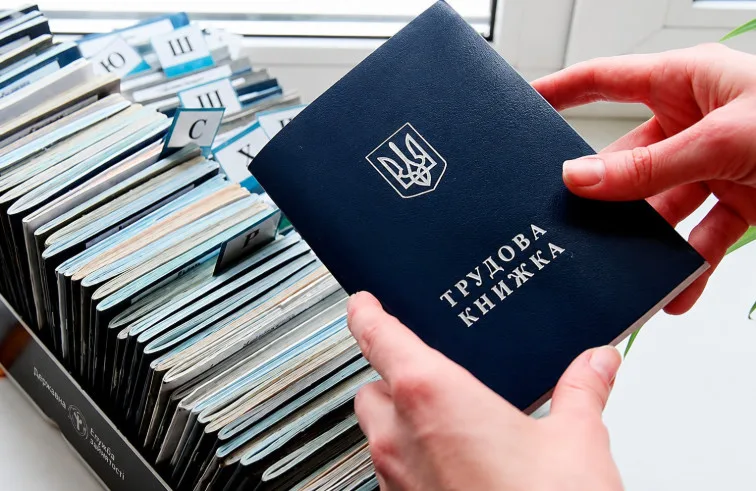










Ukrainian citizens who have left temporarily occupied territories or active combat zones often cannot terminate employment relations due to lack of contact with their employer. To solve this problem, from July 1, 2026, a new mechanism for remote termination of employment contracts will come into effect, approved by the Cabinet of Ministers of Ukraine resolution dated April 1, 2026, No. 410. This was reminded by the Office of the Ombudsman of Ukraine.
Who can use the new mechanism
The service is intended for employees who are located in the territory controlled by the Government of Ukraine or abroad, but whose employer is registered or located in the temporarily occupied territory or active combat zone.
It is no longer necessary to send a resignation letter to the employer by mail, personally contact them, or wait for an order of dismissal to be issued to terminate employment relations.
How to submit a resignation application?
Step 1. Authenticate via Diia
Log in to the Diia Portal or the Diia mobile app and complete electronic identification.
Step 2. Select the appropriate service
From the list of available services, select the service for terminating the employment contract with an employer located in the temporarily occupied territory or active combat zone.
Step 3. Fill out the electronic application
Check personal data and employer information, enter the necessary details, and generate the application for termination of the employment contract.
Step 4. Sign the application
Sign the application with a qualified electronic signature or another electronic identification method provided by law.
Step 5. Submit the application
After signing, the application is automatically registered in the system and sent to the employer.
What happens after submitting the application?
After registration, the information is automatically transmitted to the relevant state information systems and registers.
The employer does not need to approve the dismissal or issue a separate order. They only receive a notification about the employee’s submitted application. Information about the termination of employment relations will be updated automatically, significantly simplifying the procedure for citizens who have lost the ability to interact with their employer due to the war.
Subscribe to our Telegram channel t.me/sudua and to Google News SUD.UA, as well as to our VIBER and WhatsApp, our page on Facebook and on Instagram to stay informed about the most important events.