
Online Payment of Utility Bills: Do You Need to Keep the Electronic Receipt


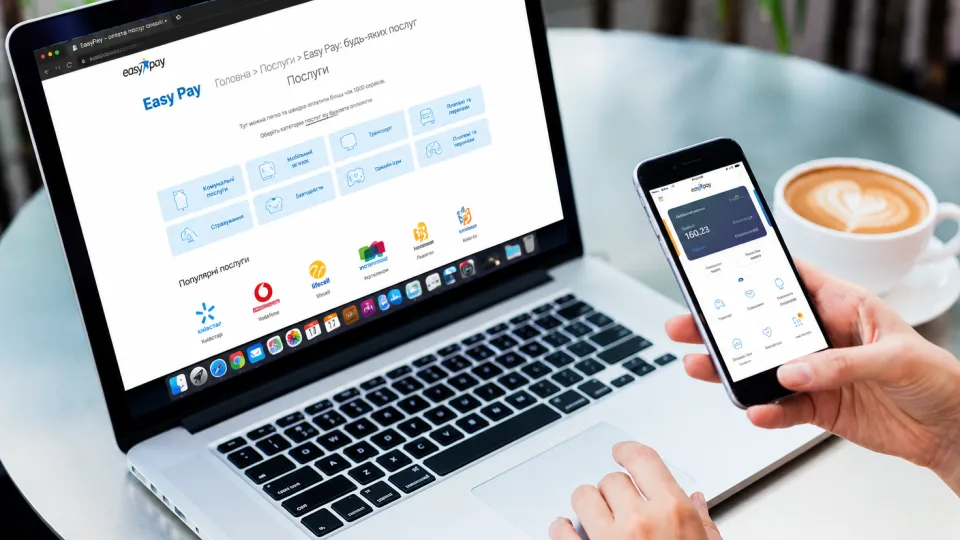










Paying utility bills through mobile banking, internet banking, or online services has already become common for many Ukrainians. However, after transferring funds, consumers often wonder: is the electronic receipt sufficient if payment confirmation is needed later.
The electronic document generated after a successful transaction has the same evidential value as a paper receipt. At the same time, it is advisable not to rush to delete it until the payment is reflected in the service provider’s system and in the next bill.
Why keep the electronic receipt
After making a payment, the money is not always credited instantly. The transfer of information between the bank and the utility service provider can take several days. If questions arise about the payment due to a technical error or delay, the electronic receipt or bank statement will help confirm the fact of the transfer.
The document contains all the necessary payment information, including:
- date and time of the transaction;
- transfer amount;
- recipient details;
- payment purpose;
- transaction number or identifier.
How to properly save payment confirmation
Step 1. Pay the bill online. Use the bank’s mobile app, internet banking web version, or another official service to pay utility bills.
Step 2. Go to the payment history. After completing the transaction, open the list of completed transactions and select the required payment.
Step 3. Save the receipt. Use the download or export function (for example, in PDF format). If necessary, the document can also be emailed to yourself or saved in cloud storage.
Step 4. Generate a statement if the receipt is unavailable. Some banks do not create separate receipts but allow generating an electronic statement for the account. Such a document also confirms the payment.
Step 5. Do not delete the confirmation immediately. Keep the electronic receipt or statement at least until the funds are credited and the payment information appears in the personal account and the next bill.
Step 6. Organize documents. To quickly find the needed file if necessary, create a separate folder on your phone, computer, or cloud storage where all utility payment confirmations will be stored.
Thus, the electronic receipt is a full-fledged confirmation of the payment made. Keeping such a document until the final crediting of funds will help avoid unnecessary disputes with service providers in case of technical failures or delays in payment reflection.
Subscribe to our Telegram channel t.me/sudua and to Google News SUD.UA, as well as to our VIBER and WhatsApp, Facebook page Facebook and on Instagram to stay informed about the most important events.