
How to Make an Appointment at the Pension Fund Service Center via the App: Step-by-Step Instructions


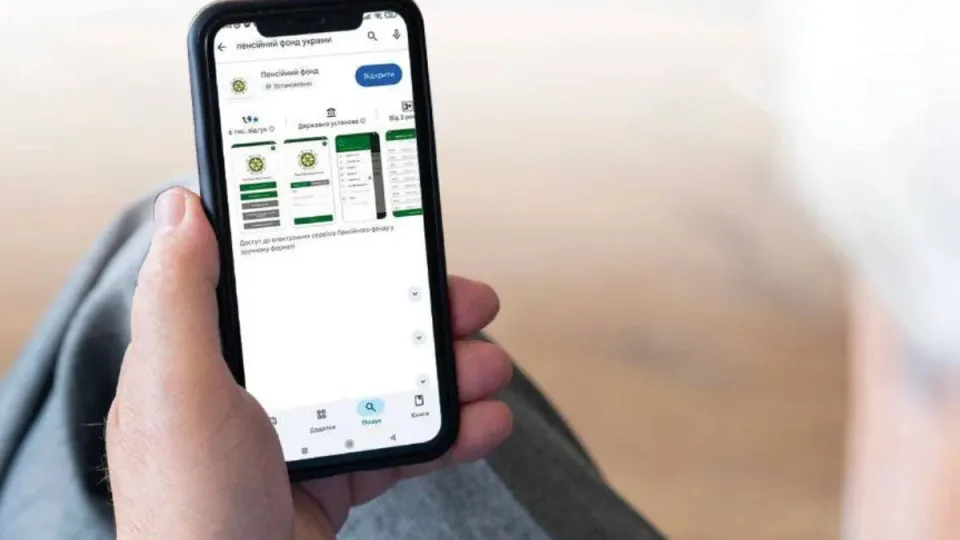










The Pension Fund of Ukraine has issued a reminder that appointments at its service centres can be booked via the "Pension Fund of Ukraine" mobile app. This enables users to pre-plan the date and time of their visit, thereby avoiding queues.
How to Log In to the App
To book an appointment, open the "Pension Fund of Ukraine" app and authenticate using one of the following methods:
-
Via a qualified electronic signature (QES)
-
Via Diia.Signature
-
Via ID.GOV.UA
How to Make an Appointment
After logging in, please follow these steps:
-
Tap the "To PFU" tab at the bottom of the screen.
-
From the menu, select "Make an appointment."
-
Tap the "Make an appointment" line in the new field.
-
From the dropdown
lists, choose:
-
The Pension Fund of Ukraine body
-
The service centre
-
The appointment topic
-
The visit date
-
Press the "Load schedule" button.
The system will then display available dates and times for visiting the service centre. To finalise the booking, select a convenient option and press "Confirm appointment."
Where to Find Your Appointment Ticket
Once the request has been processed, your appointment
details will be available in either the "Appointment" or "My Appointments" section.
Users can also download the ticket to their phone by pressing the "Save ticket" button.
Service centre staff will require sight of the appointment information within the app.
Subscribe to our Telegram channel t.me/sudua, follow SUD.UA on Google News , and join us on VIBER, WhatsApp, Facebook and on Instagram to stay informed about the important events.