
How to Create a Diia Signature: Step-by-Step Guide


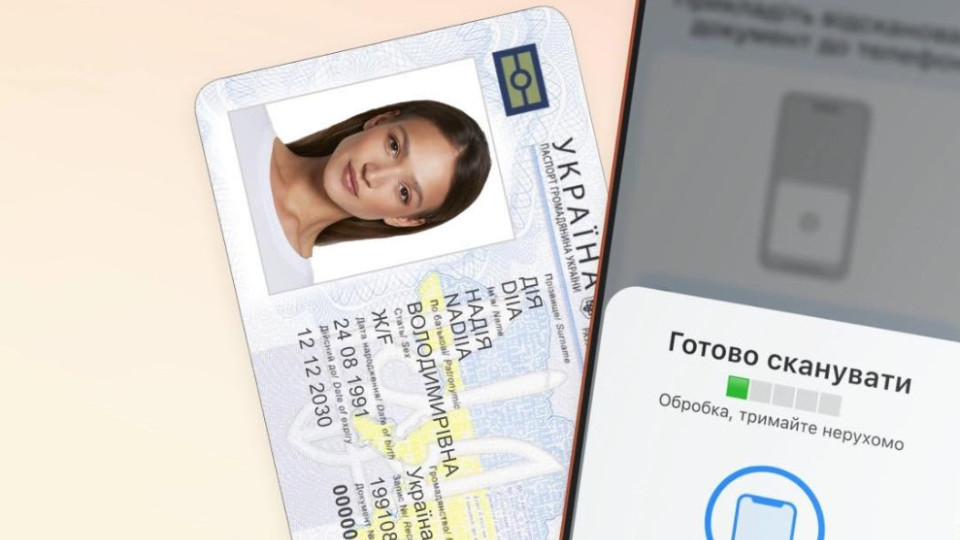










Ukrainians were reminded how to create a Diia.Signature in just a few minutes.
“A digital signature has the same legal force as a handwritten one. Sign documents online, receive government services, and send copies of documents without paper and additional devices,” Diia reminded.
To activate, you will need a smartphone with NFC and one of the biometric documents:
- ID card
- biometric international passport
- residence permit
How to create a Diia.Signature?
1. Open the Diia app and go to Menu → Diia.Signature → Activate signature.
2. Scan the code on the document:
▪️ on the back of the ID card or residence permit;
▪️ on the first page of the international passport.
3. Read the document via NFC.
4. Complete PhotoID to verify your identity.
5. Create a six-digit PIN code.
“Done. After activation, confirm the signature only with the PIN code — no repeated photo verification needed.
If you activate Diia.Signature abroad and encounter an error — try enabling a VPN with a Ukrainian server,” Diia added.
Subscribe to our Telegram channel t.me/sudua and to Google News SUD.UA, as well as to our VIBER and WhatsApp, our page on Facebook and on Instagram to stay informed about the most important events.