
How to Log into Your Personal Account on the Pension Fund Website Using a Qualified Electronic Signature


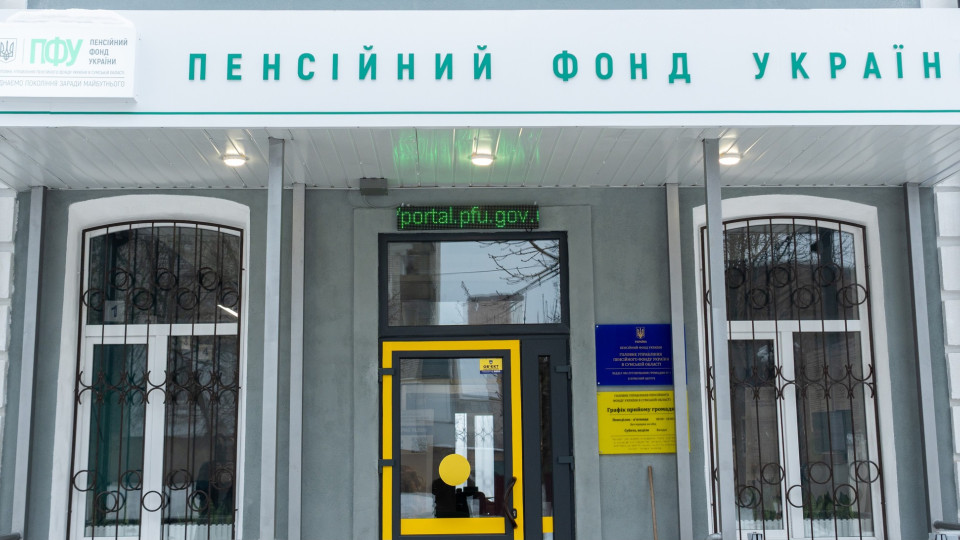










Ukrainians can authorize themselves on the Pension Fund's electronic services web portal using a qualified electronic signature (QES) and gain access to a range of online services.
A qualified electronic signature is the electronic equivalent of a handwritten signature and has the same legal force. It can be obtained at one of the accredited key certification centers.
To log into your personal account on the Pension Fund's web portal, you need to:
- Go to the Pension Fund website
- Select the login method — "By QES"
- Specify the Accredited key certification center where your signature was obtained
- Upload the key file
- Enter the key password
- Click "Log in"
After authorization, users can view information about their salary and insurance record, receive electronic certificates, including forms OK-5, OK-7, and a pension amount certificate, review materials of their electronic pension file, check entries in their electronic employment record book, and track the history of their requests to the Pension Fund.
Subscribe to our Telegram channel t.me/sudua and to Google News SUD.UA, as well as to our VIBER and WhatsApp, Facebook page Facebook and Instagram to stay informed about the most important events.