The Tax Service Explained How to Return Mistakenly or Excessively Paid Funds


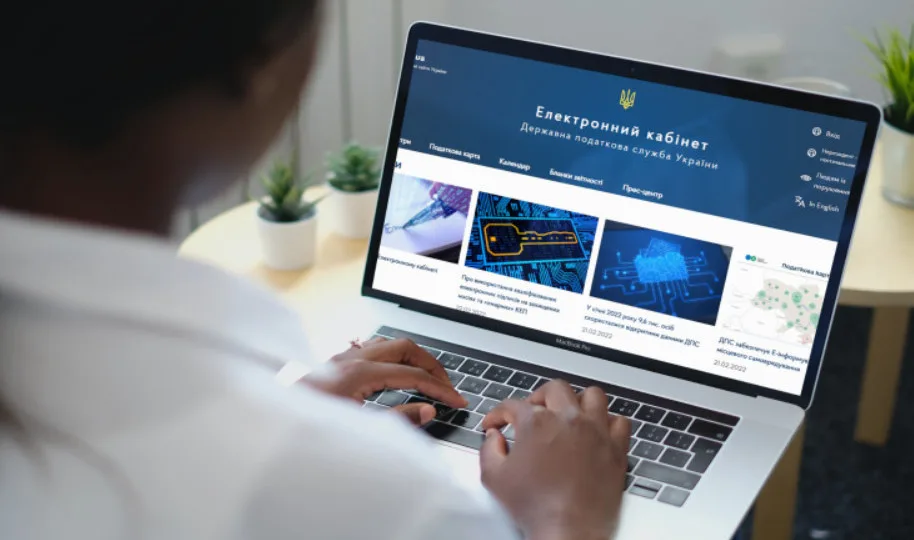










Taxpayers may apply for the return of monetary obligations and penalties paid mistakenly or in excess electronically, without visiting the tax office. This reminder was issued by the State Tax Service (STS) of Ukraine.
To do this, users should access the Electronic Cabinet, available at address or via the STS web portal.
Access to the private section of the Electronic Cabinet is granted after online electronic identification. This can be achieved using a qualified electronic signature from any Qualified Provider of Electronic Trust Services, through the Integrated Electronic Identification System – id.gov.ua (MobileID and BankID), Diia.Signature, or a "cloud" qualified electronic signature.
To create an application for a refund in the private section of the Electronic Cabinet, navigate to the "Reporting Submission" section. Select the appropriate period and the form type "F (J)13 Requests." Then, choose the electronic application form:
-
F13020XX – for individuals
-
J13020XX – for legal entities
The application must specify the necessary data regarding the mistakenly or excessively paid amounts, be signed with an electronic signature, and sent to the territorial STS body responsible for the administration of the respective payment.
The STS highlighted that the number of payment dates indicated in the application must correspond to the number of payment documents for which the excess or mistaken payments occurred. The form allows for adding or deleting rows as required.
Electronic copies of payment documents must be attached to the application. To do this, in the "Attachments" section, select the appropriate option and upload documents in the prescribed format.
Before submitting the application, taxpayers can check the status of their settlements with the budget and obtain a corresponding extract. This is done by sending a request through the Electronic Cabinet to receive an extract on the status of settlements for taxes, fees, payments, and the single contribution, using form J/F13002XX.
Subscribe to our Telegram channel t.me/sudua, follow SUD.UA on Google News , and join us on VIBER, WhatsApp, Facebook and on Instagram to stay informed about the important events.